Crash Course
Skill Base
A beginner crash course designed to teach you how to use the command-line interface, write and run Node.js code, and help you think like a real developer in just 21 days.
Figure out if coding is your thing
Let's be honest — most people don't know where to start.
Maybe you've tried, maybe you haven't.
Either way, if you've landed here, you're probably wondering if this whole "learning to code" thing is actually possible for you.
You've watched videos, opened your code editor, followed a few tutorials. But nothing really clicked.
You kept running into things that weren't explained. You jumped between tools without understanding how they fit together. You got stuck, lost momentum, and quietly gave up.
And now you're not even sure what the next step is — or if it's even worth trying again.
Here's the truth: you're not the problem. You've just never had the right structure.
No roadmap. No support. No chance to actually build something that works and know why it works.
That's about to change.
What you'll learn in just 21 days
You won't just follow steps — you'll understand what each one does and why it matters.
By the end of the 21 days, you'll know how to:
- Use your terminal like a developer
- Write real Node.js code, without relying on copy-paste
- Understand how code runs in the terminal
- Build and run small programs using Node.js
- Organize your projects and navigate your files like a pro
- Think through a problem, break it down, and write working code to solve it
How the course works
Here's what to expect once you enroll.
Each day, you'll get an email that links to a new lesson.
Each lesson takes at most 1 hour to complete and is designed to:
- Teach you one fundamental concept
- Explain and demonstrate how it works in context
- Walk you through a short practical exercise you'll run on your own machine
You'll code locally using real tools: the terminal, VS Code, and Node.js.
No in-browser editors.
No copy-paste templates.
No filler content.
You can go at your own pace, but the daily drip will help you keep moving forward.
And if you get stuck or want feedback, you'll have access to a private channel with the other participants.
The curriculum
Here's an overview of the chapters composing this crash course.
Day 1: Setup Guide
In this lesson, you'll set up your machine and install the tools you'll need for the course.
Day 2: The Command-Line Interface
In this lesson, you'll take your first steps into the world of the command-line interface, also known as the CLI.
Day 3: The Anatomy of Commands
In this lesson, you'll learn the structure of a typical shell command, how to supply options and data to it using flags and arguments, and how to explore the behavior of commands using built-in help tools.
Day 4: Navigate the Filesystem
In this lesson, you'll explore how files and folders are structured in Unix-like operating systems, and how to move around this hierarchy using the pwd and cd commands.
Day 5: List and View Files
In this lesson, you'll learn how to explore what's inside those directories using the ls command, and how to view the contents of files directly from the terminal using the cat command.
Day 6: Create and Move Files
In this lesson, you'll take your first step toward manipulating the filesystem by learning how to create, move, and rename files and directories using the touch, mkdir, and mv commands.
Day 7: Copy and Delete Files
In this lesson, you'll expand your file management skills by learning how to copy and delete files and directories using the cp and rm commands.
Day 8: Write and Append Output to Files
In this lesson, you'll take your first step toward controlling output by learning how to redirect the result of commands into files using the redirection operator, and how to create files from scratch using the cat command.
Day 9: Run JavaScript with Node.js
In this lesson, you'll get familiar with JavaScript' syntax and discover how Node.js allows you to run JavaScript code directly from your terminal.
Day 10: Store and Reuse Data with Variables
In this lesson, you'll take your first step toward writing meaningful programs by learning how to store and reuse data using JavaScript variables.
Day 11: Work with Numbers
In this lesson, you'll take your first step into computation by learning how to perform arithmetic operations and calculations on integer numbers and floating-point numbers.
Day 12: Control Execution Flow with Conditionals
In this lesson, you'll take your first step into program logic by learning how to control the flow of execution using conditional statements.
Day 13: Combine Conditions with Logical Operators
In this lesson, you'll take that a step further by learning how to combine multiple conditions using logical operators.
Day 14: Repeat Statements with Loops
In this lesson, you'll take your first step into repetition by learning how to automatically repeat code using loops.
Day 15: Work with Strings
In this lesson, you'll shift focus from repetition to text processing by learning how to work with strings.
Day 16: Reuse Code with Functions
In this lesson, you'll take your first step into abstraction and code reuse by learning how to group a set of instructions into a single reusable block called a function.
Day 17: Work with Objects
In this lesson, you'll take your first step into data modeling by learning how to group related values together using one of the most fundamental data structures in JavaScript called objects.
Day 18: Work with Arrays
In this lesson, you'll learn how to manage ordered collections of data using another fundamental JavaScript data structure called arrays.
Day 19: Write CLI Scripts
In this lesson, you'll take your first step toward building interactive scripts by leveraging Node.js' global process object.
Day 20: The CommonJS Module System
In this lesson, you'll learn how to organize your code into reusable files called modules using Node.js' CommonJS module system.
Day 21: Build a CLI Hangman
In this lesson, you'll apply everything you've learned by building an interactive Hangman game that runs in the terminal.
The exercises you'll code
Here's an overview of the practical, hands-on exercises you'll code.
Calculate a Discounted Price
The objective of this exercise is to write a Node.js script that applies a discount to a price.
Convert Minutes to Hours
The objective of this exercise is to write a Node.js script that converts minutes to hours.
Final Grade Calculator
The objective of this exercise is to write a Node.js script that calculates a student's final grade and outputs a performance message based on it.
Schedule
The objective of this exercise is to write a Node.js script that determines whether a shop is open or closed.
Pyramid
The objective of this exercise is to write a Node.js script that outputs a pyramid of numbers.
Progress Bar
The objective of this exercise is to write a Node.js script that outputs a progress bar of variable size in the terminal.
Calculator
The objective of this exercise is to write a Node.js script that implements a basic arithmetic calculator.
Fight Simulator
The objective of this exercise is to write a Node.js script that simulates a boxing fight.
Receipt Generator
The objective of this exercise is to write a Node.js script that generates a receipt based on the items of a shopping cart.
Password Generator
The objective of this exercise is to write a Node.js script that generates random passwords.
Path Parser
The objective of this exercise is to write a module that provides functionalities for parsing file paths.
Hangman
The objective of this exercise is to write a Hangman word guessing game.
Who is this for?
- People who want a quick way to discover programming in Node.js
Do I need prior knowledge?
No. This module doesn't require any prior knowledge.
Why learn from me?
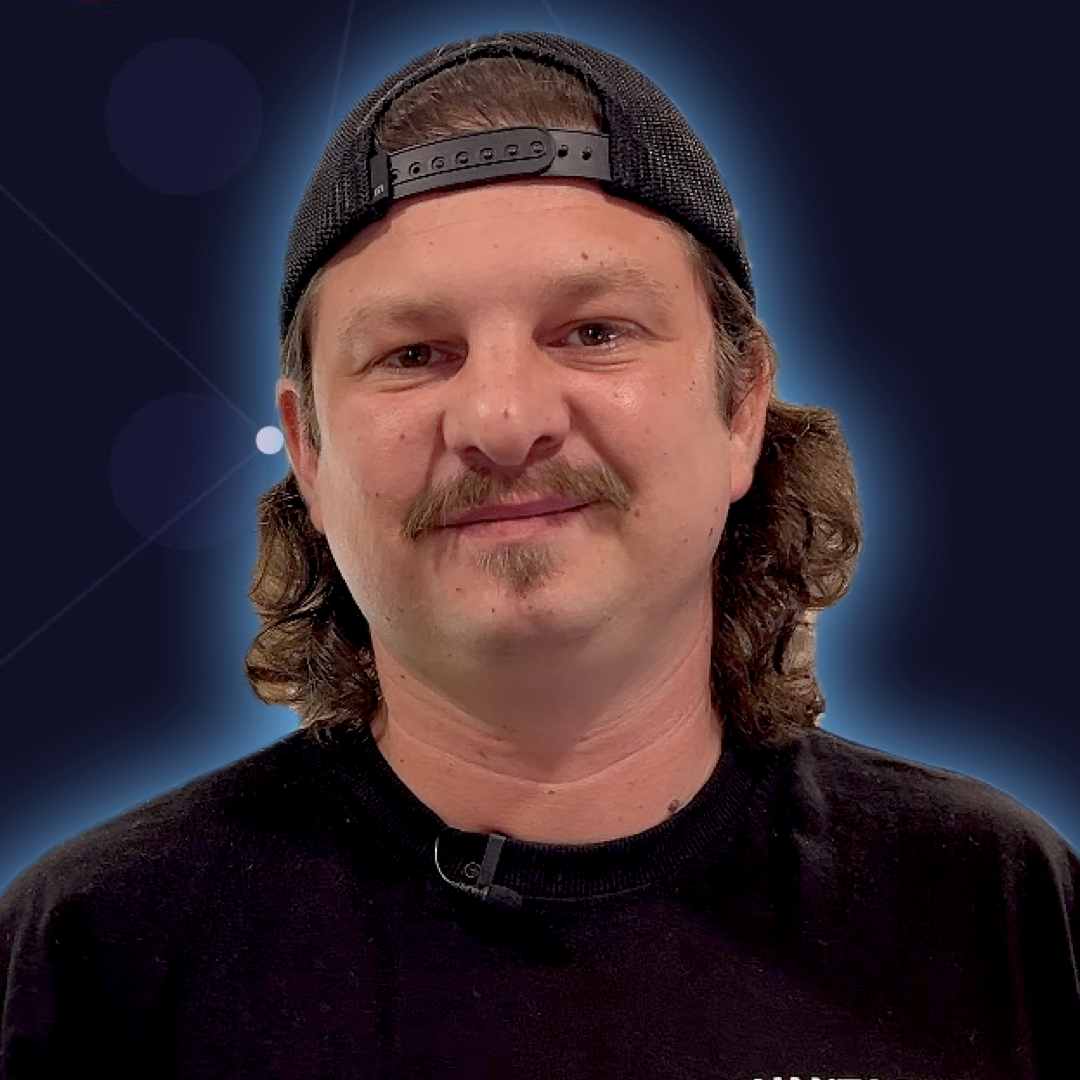
Hi, I'm Razvan 👋 — A university dropout turned senior backend engineer, technical writer, online teacher, and founder of Learn Backend.
It's no secret: learning backend development on your own is extremely hard.
Before becoming a senior Node.js engineer with now over a decade of experience, I also failed at it for years... and probably for the same reasons you're struggling with it right now.
The internet is full of content, but very little direction. No one tells you what to learn first, what to ignore, or how it all fits together.
This is why I created Learn Backend: a roadmap that teaches the core principles first, gradually introduces hands-on skills, and shows how all the pieces logically fit together.
I wanted to give people like me, and maybe you, the best fighting chance to make it in the software industry as job-ready backend developers — without wasting the years or facing the same unnecessary hurdles I did.
So if you're tired of guessing what to learn next or overwhelmed by all the noise, Learn Backend was built for you.
Get Skill Base
A crash course designed to teach you how to use the command-line interface, write and run Node.js code, and help you think like a real developer in just 21 days.
Own this course
Lifetime access
€21
One-time payment — The price of a big pizza 🍕
By submitting this form, you agree to the Terms & Conditions and Privacy Policy.
What's included:
- 21 lessons with code examples
- 12 exercises with commented solutions
- Daily email reminders
- Lifetime access
- Exclusive offers
Everything else you need to know
You've got questions? We've got answers.
Is this video-based or text-based?
The course is delivered as full-length written lessons with code.
Each lesson explains concepts in depth and walks through real implementations. You are expected to code along locally.
Is this a part of the Learn Backend program?
No.
This is a standalone course. If you finish and want to go deeper, you can explore the "CLI & Scripting with Bash" and "Build CLI Apps in JavaScript & Node.js" courses.
Do I need to know how to code?
No.
This is for beginners new to programming.
How much time per day should I dedicate to it?
30-45 minutes for most lessons.
A few polish days might take a bit longer if you want to explore.
When does it start?
Any day you choose.
Sign up and Day 1 lands in your inbox immediately. One email per day after that.
What if I get stuck?
Each lesson includes example commands, expected outputs, and a tiny troubleshooting box.
If you want ongoing feedback and coaching, that's what Mastery Pro is for.
Will this help me get a job?
It gives you the foundation and momentum.
To become job-ready, you'll want the full roadmap, courses, and projects.
Do I need Internet access?
Yes.
You will need Internet to install Node.js, VS Code, and WSL, and also to access the course content. Besides that, you're mostly working locally.
What if I fall behind?
Go at your own pace.
You'll keep access to all lessons even after the 21 days.
Is there a refund policy?
Yes.
If for whatever reason you aren't 100% satisfied with your experience, send us an email within the first 7 days of purchase at support@learnbackend.dev and we'll refund your entire payment.
No hard feelings. No questions asked.
Does the module work for all operating systems?
The module is primarily designed to work on Linux-based and macOS operating systems.
These environments are essential for learning backend development effectively, as they align with industry standards and provide the necessary tools and features.
However, if you're using Windows, we recommend setting up the Windows Subsystem for Linux (WSL) on your machine to follow along.
I've got more questions, how can I reach you?
You can send us an email at support@learnbackend.dev or send us a direct message on Discord.