The Command-Line Interface
Shell·4 min read·Jan 1, 2025
In Unix-like operating systems, such as Linux and macOS, the command-line interface (CLI) is a text-based interface used for interacting with the operating system and software applications using text directives called commands.
It allows users to perform all sorts of tasks that would be cumbersome or impossible through the graphical user interface (GUI), such as executing text-based programs, navigating the filesystem, configuring settings, compiling code, connecting to remote servers, and more.
Although the command-line interface can have a pretty steep learning curve for beginners, it remains to this day the most indispensable tool software developers must master in order to become truly proficient and professional.
Terminal emulators and shells
Although referred to as a single entity (or software), the command-line interface is in fact composed of two distinct programs that work together hand-in-hand: the terminal emulator and the shell.
Terminal emulators
A terminal emulator is a software (or application) with a graphical interface that gives access to a text terminal window, in which users can:
- Type characters with their keyboard to form commands.
- Visualize the output generated by these commands once executed.
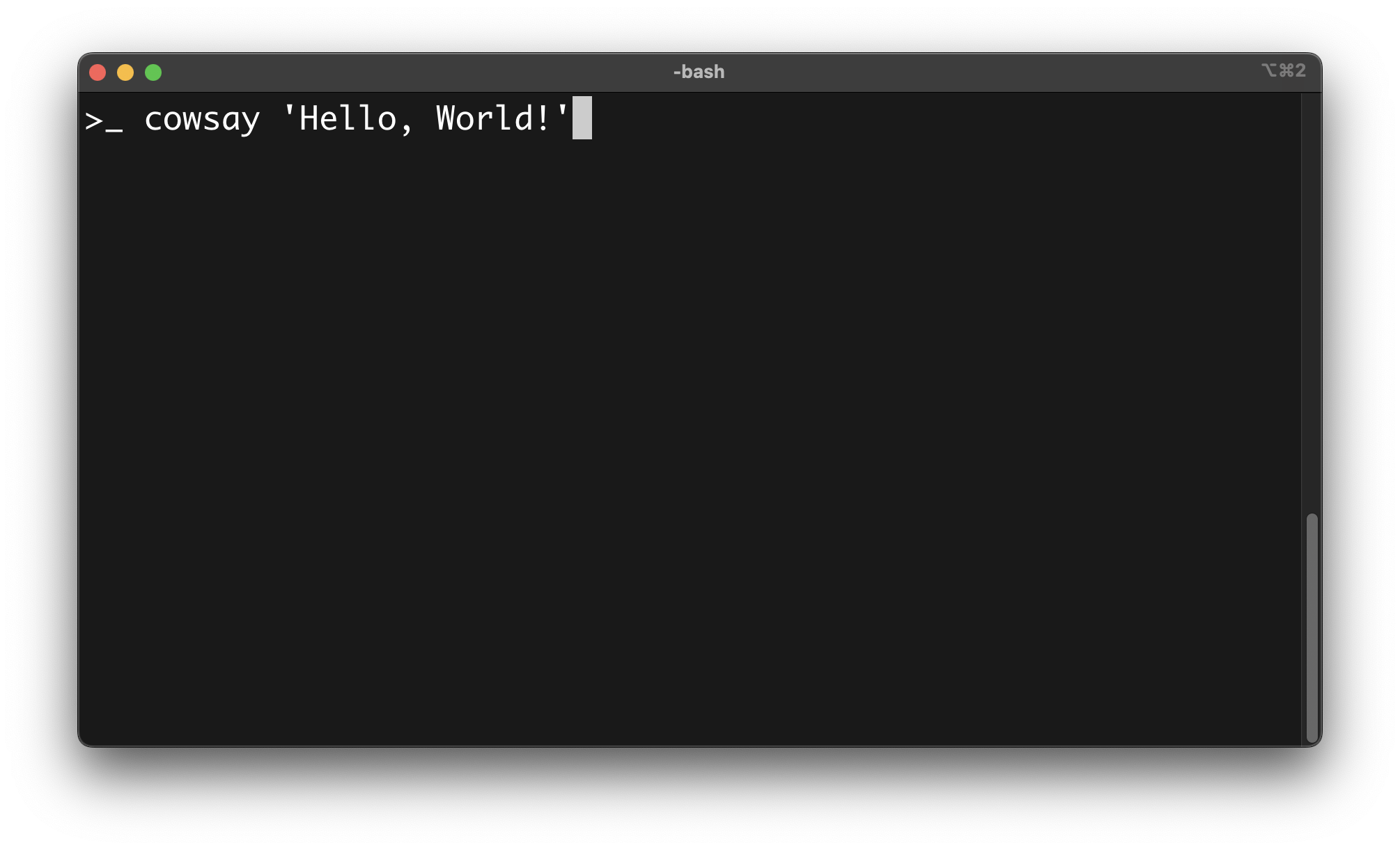
Although there are a multitude of terminal emulators to choose from these days, such as Gnome for Linux or iTerm2 for macOS, most of them often support similar features, including but not limited to:
- Tabs and multiplexing, which allow users to work with multiple command-line sessions simultaneously in different terminal tabs, like in a web browser, or split the terminal window into multiple panes.
- Scrollback buffer, which allows users to scroll up and down in the terminal window to review past commands and outputs.
- Copy and paste, which allows users to select text within the terminal window and copy it to the clipboard, and vice-versa.

Unlock the CLI & Scripting with Bash module
Learn how to gain advanced control over the OS and automate complex routine tasks prone to manual errors with the CLI and Bash scripting.
You get immediate access to:
- 34 focused lessons across the CLI and Bash
- 4 real-world projects with commented solutions
- Ongoing updates to this bundle
- Lifetime access to this bundle