Welcome to Node.js for CLI Scripting
Startup·4 min read·Jan 27, 2026
Hi 👋
If you're reading this, you probably want to learn Node.js for real, not just "use Express".
Here's the truth: Node.js is a runtime, and learning it first means learning how programs interact with your machine, including files, folders, streams, input/output, configuration, and errors.
That's why I created Node.js for CLI Scripting — a practical, project-driven course that teaches you Node.js through the most natural entry point: building scripts and command-line tools.
About this course
This course is delivered as text-based lessons and hands-on projects.
It follows a gradual progression, from understanding asynchronous execution and modules, to building real CLI interfaces, to processing files and streaming data efficiently.
Each lesson teaches one concept, shows runnable examples, and gives you the mental model needed to build tools that behave predictably.
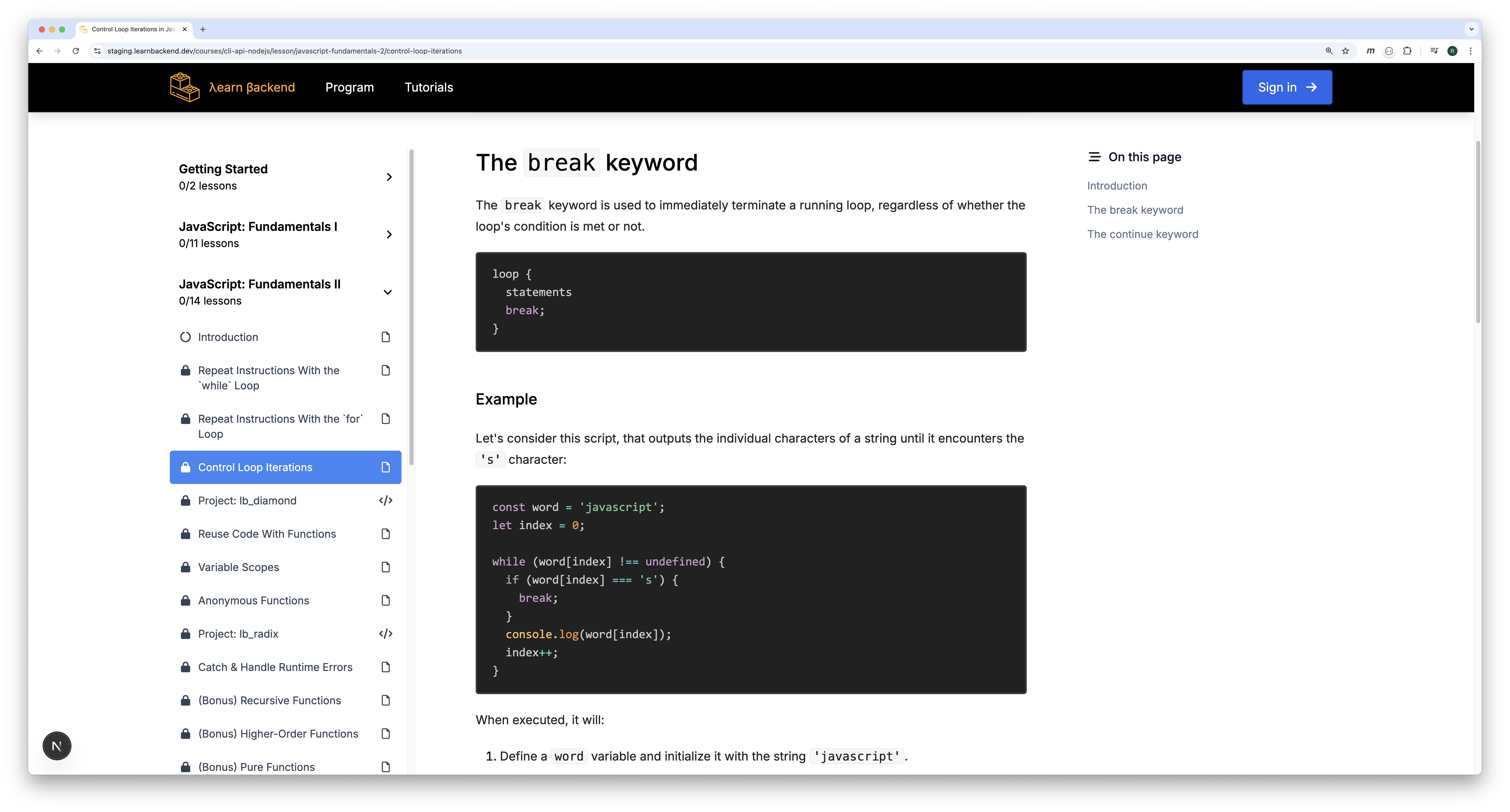
And every few lessons, you'll ship a CLI project that interacts with your operating system like real dev tools do.
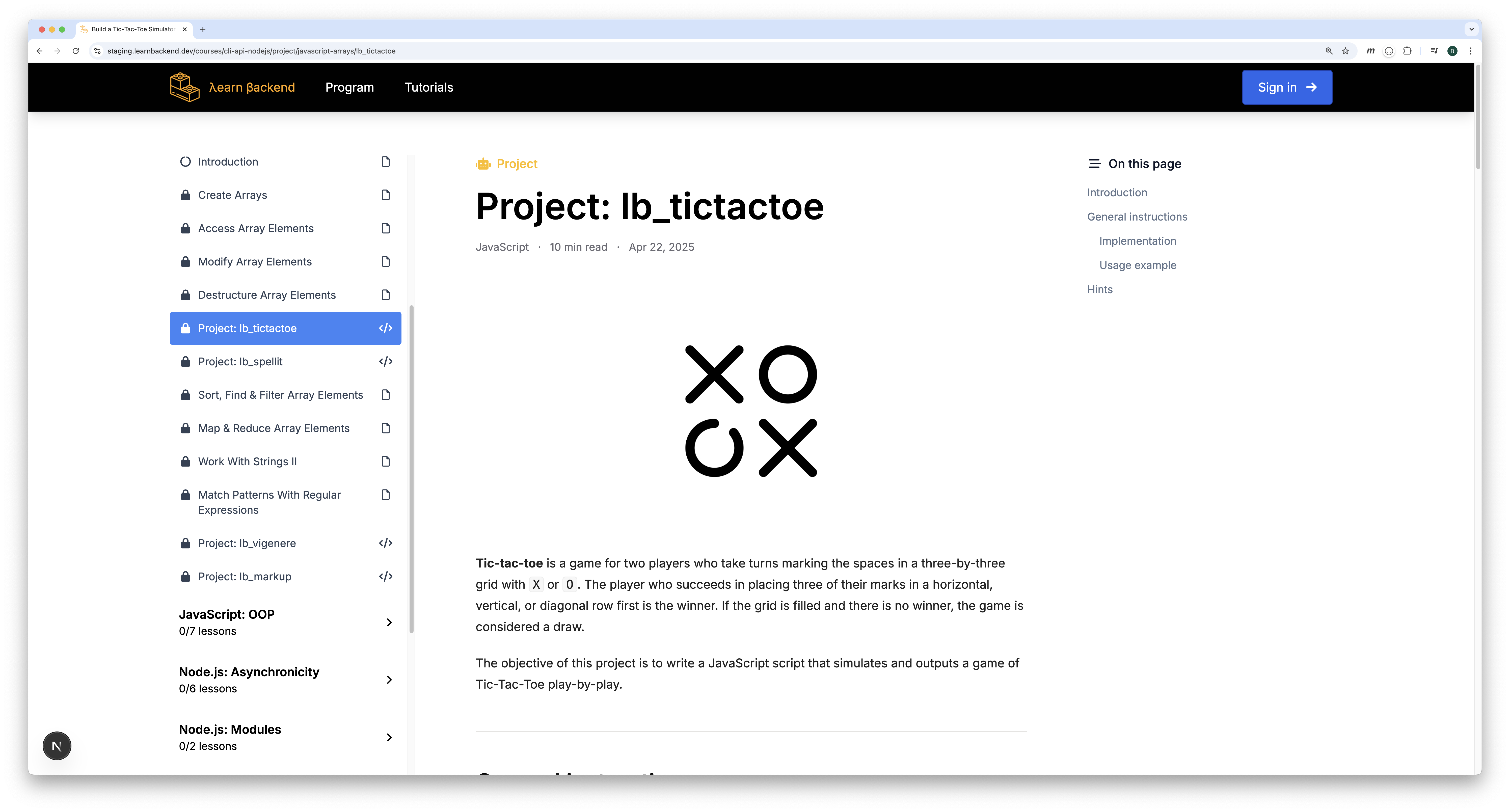
Each project includes a commented solution walkthrough, so you can study patterns you'll reuse over and over again.
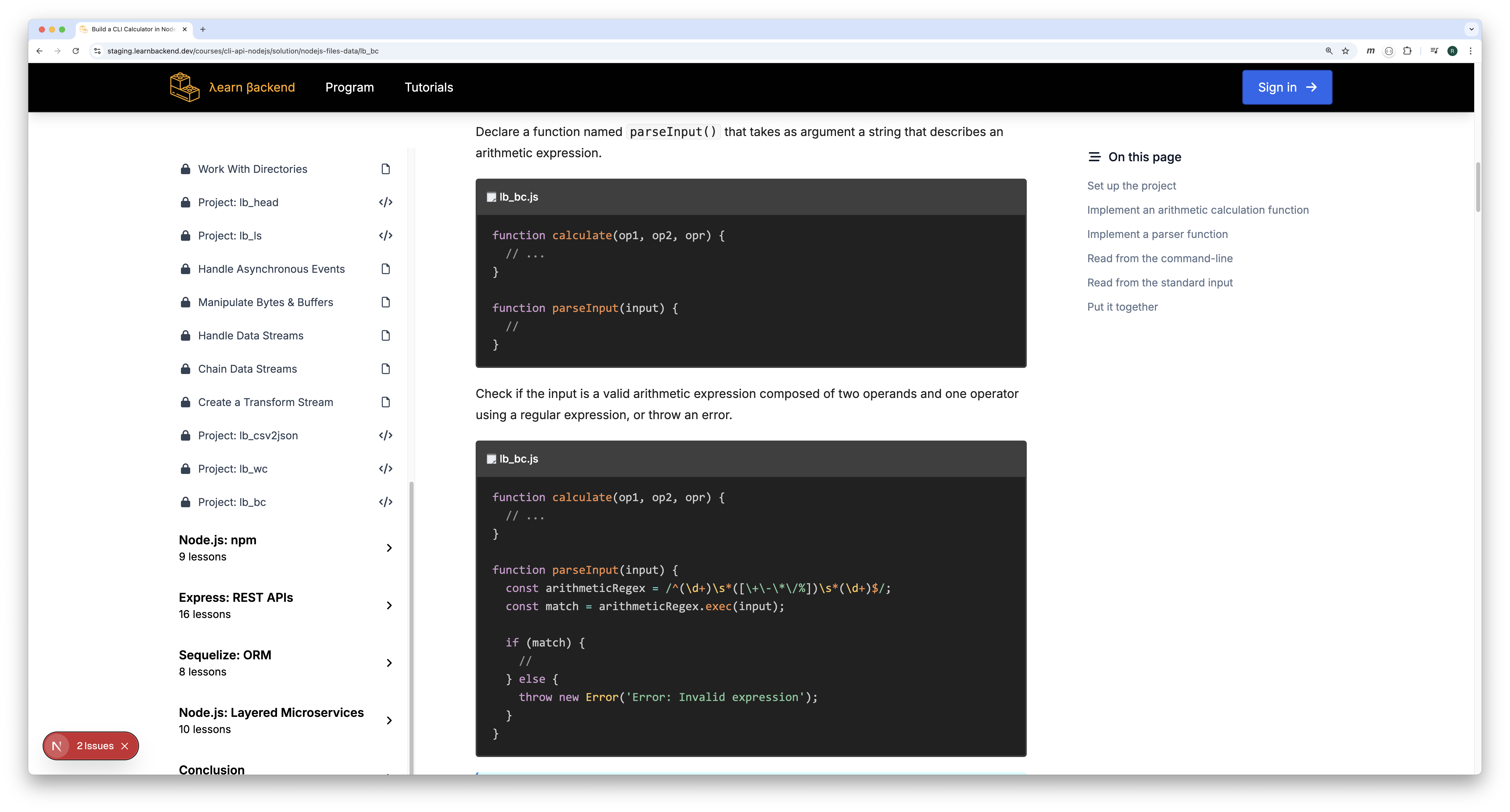
👉 Feel free to explore the course content using the lessons and projects in the left-hand menu.
What you'll build
Along the way, you'll build CLI tools that process real input and produce real output—tools that feel native to the terminal.
Here's a shortlist of projects you'll build:
- Task Scheduler — run functions at fixed intervals.
- Case Converter CLI — convert strings between snake/camel/kebab case.
- .env Loader CLI — load and format environment configuration.
- head CLI Tool — print the first N lines/bytes of a file.
- Directory Listing CLI — list and sort directory contents.
- CSV → JSON Converter — stream a CSV file and output JSON.
- wc CLI Tool — count lines, words, and bytes.
- CLI Calculator — evaluate arithmetic expressions.
- Number Guessing Game — build an interactive CLI with stdin/stdout.
- CLI Minesweeper — render a grid and process moves interactively.
How to use the course effectively
Take the modules in order.
👉 Each lesson builds the runtime instincts you need for the next projects.
For every lesson:
- Read the lesson from top to bottom.
- Run each example on your machine.
- Change the inputs and re-run it.
- Break it on purpose.
- Fix it and rerun it.
For every project:
- Read the requirements carefully.
- Study the usage examples until the CLI behavior is clear.
- Implement the simplest version that works.
- Test invalid input and edge cases.
- Refactor for clarity and predictable output.
👉 The goal is not "clever code". The goal is tools that behave reliably.
Getting help and updates
This course is updated iteratively based on feedback.
If you find a typo, a broken link, or an unclear instruction: report it.
You can reach out to us via email at: support@learnbackend.dev
And with that being said, happy building!